
Designing UI for the apocalypse

What I did
As a UI team of only 3 there was lots of ground to cover as well as many hats to wear. Along side a lead and a UI Artist I was the teams UI Technical designer. The role the bridges design, art and implementation.
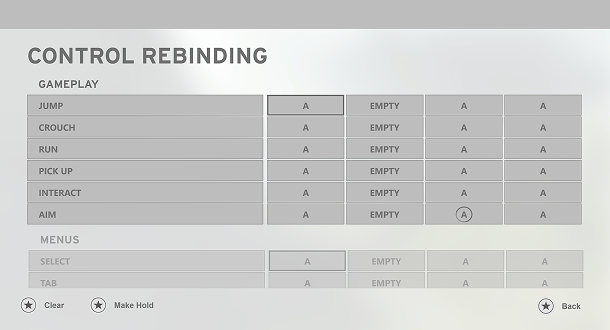
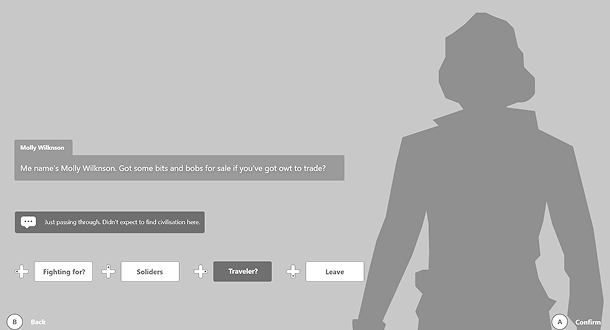
- UX and UI design for the Inventory, crafting, input binding and dialogue systems
- Implemented over 15 UI features using node based visual scripting
- Created a scalable in engine design system
- Championed UI accessibility
- Facilitated 200% text scaling in all UI
- Designed and implemented motion design across the UI

Overview
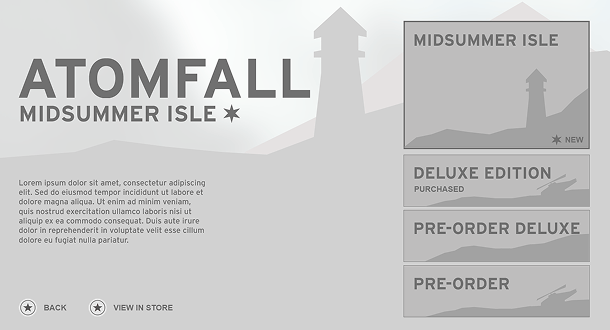
A survival-action game inspired by real-life events, Atomfall is set five years after the Windscale nuclear disaster in Northern England.
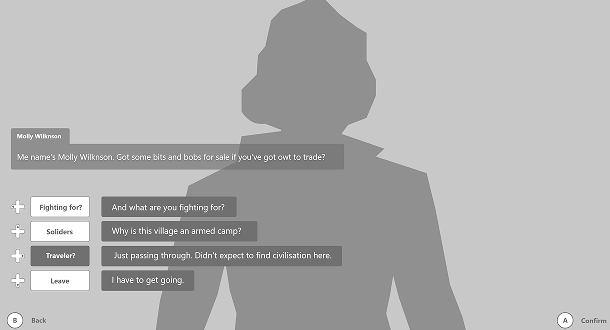
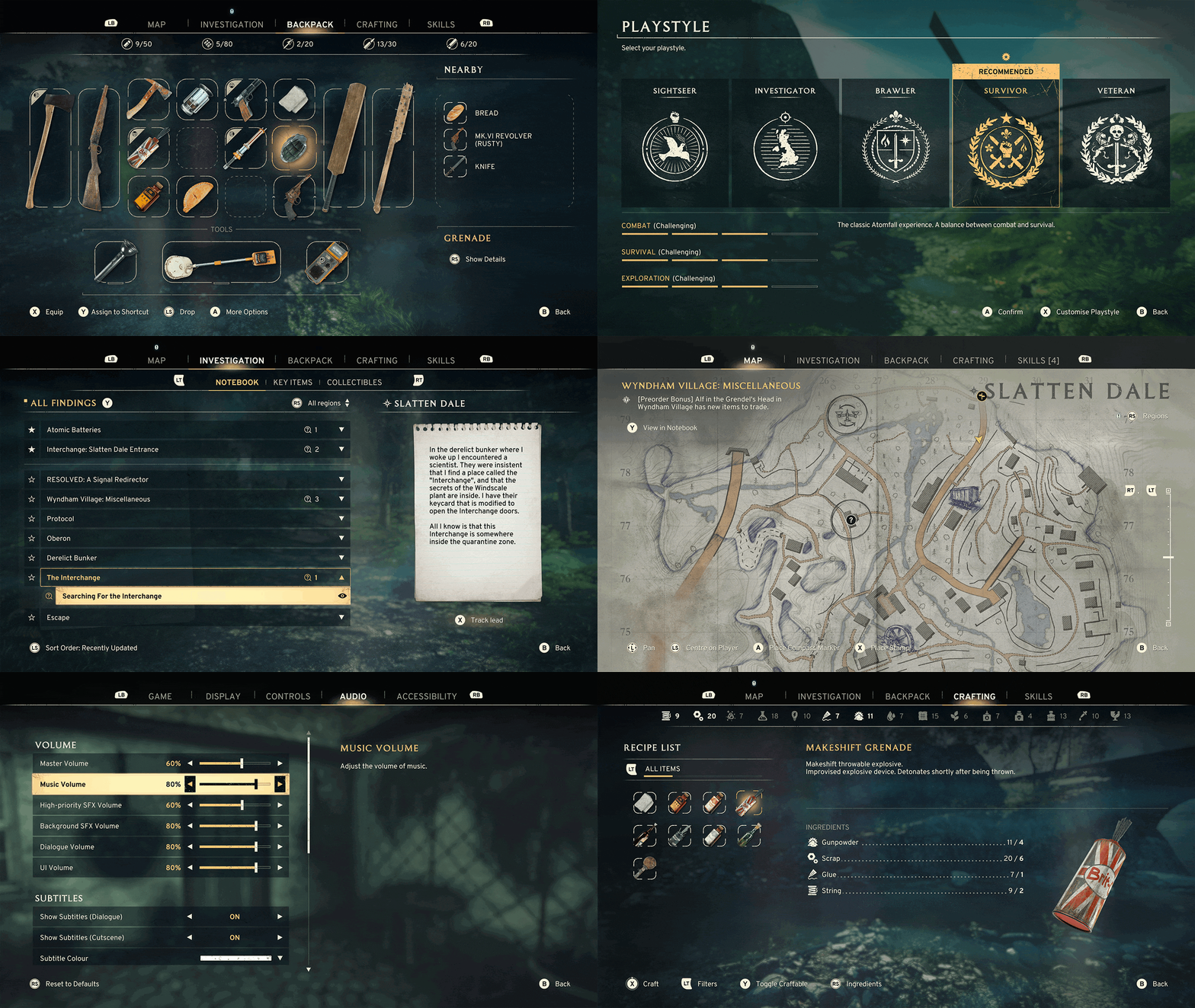
In the UI team we focused on fostering new menu experiences for our players that were natural and discoverable, very much matching the in-world game play.
We also knew that “what’s fun” is not the same for everyone, one persons ideal difficulty level is another's nightmare. With this in mind we matched the projects intended play style as much as we could while also giving the player the control to adjust it to what they wanted, More tutorials? of course! Hints on what leads to follow? on its way!
Accessibility and flexibility was the key to making Atomfall’s UI usable and fun for everyone no matter their prior game literacy or skill.
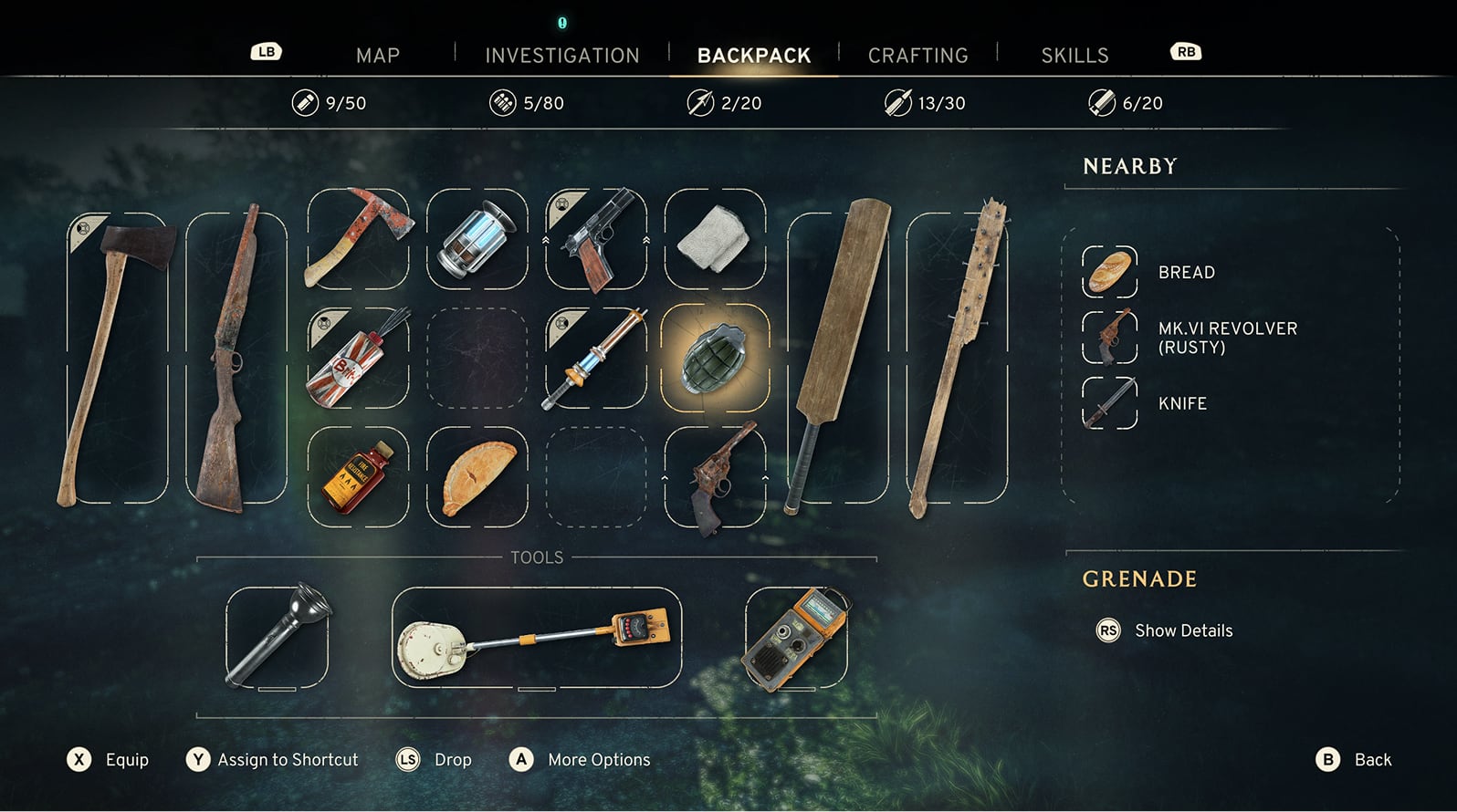
The Atomfall Backpack
Showcasing : UX - Implementation - Motion Design
Implementation and Feature Management
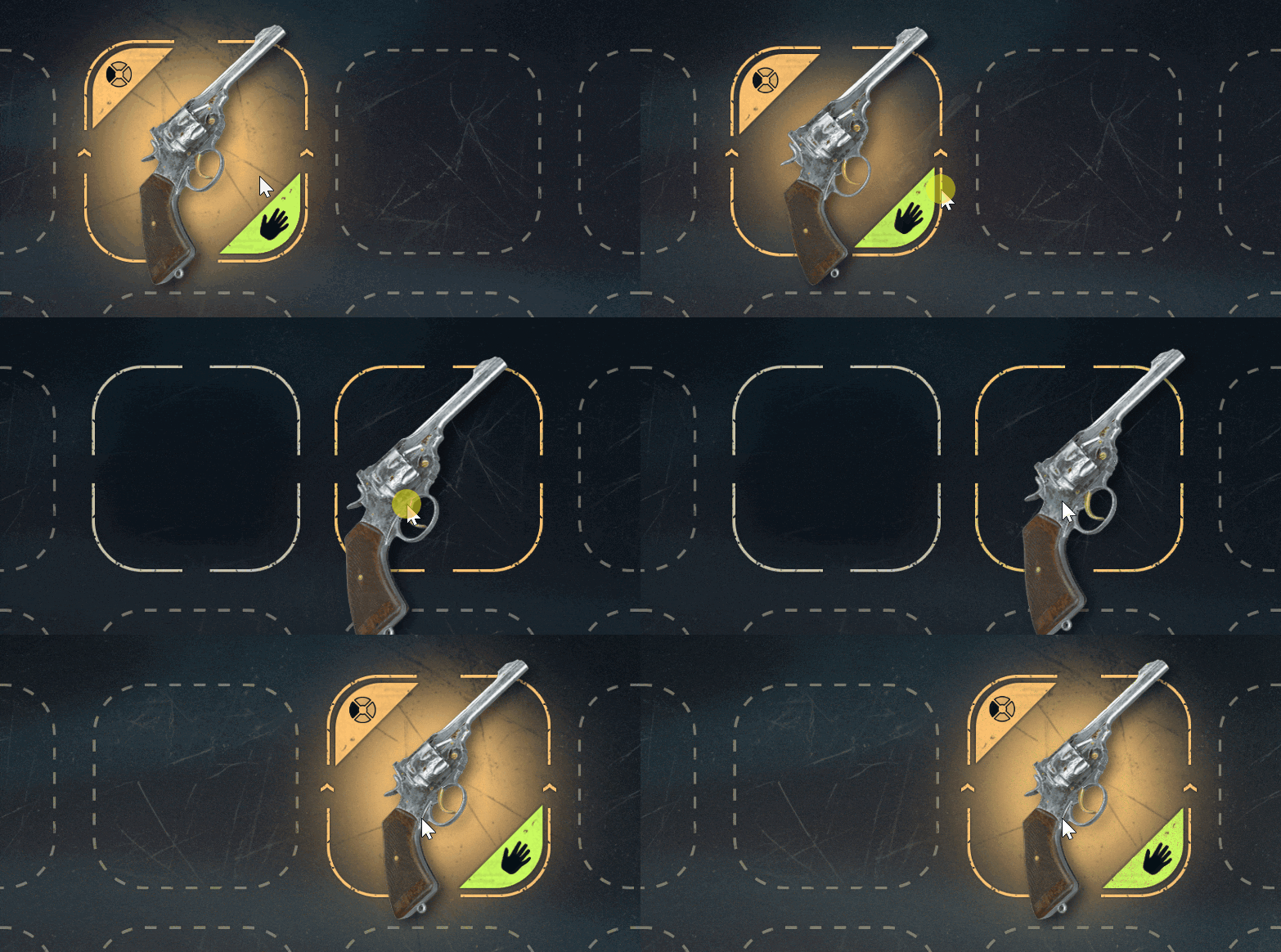
Implementing Rebellions first drag and drop inventory system was as challenging as it was rewarding. Multiple list’s of data, all with unique rules. For me, keeping this system functionally lean, faithful to the projects vision while also being intuitive for the player was my top priority.
Once the final design and art for the inventory were complete, I then managed this features implementation, child features (Looting, transfer, bartering etc) and Inputs and ongoing itinerations for the remainder of the projects development life cycle.
I work closely with our project coders, creating schemas that helps relay what data I needed from the team to help create the frontend system. I also often touch base with our UI Artist to ensure I met the standards of our visual mock ups. Next is our system designers who keep me in the loop of game advancements that require the inventory system to adapt to changes and game needs.
UX Design - Problem To Solution
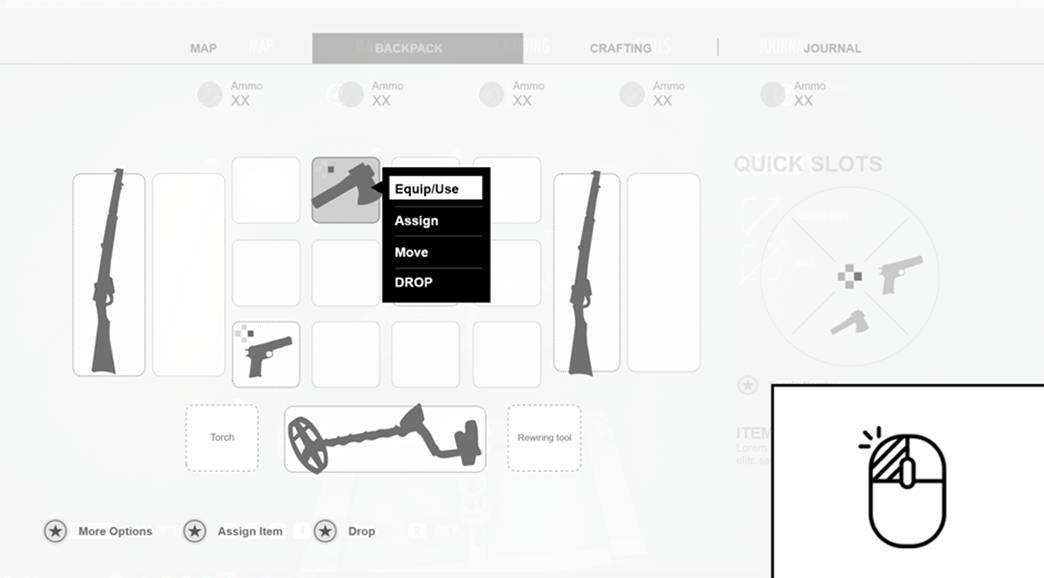
User testing of the fully implemented inventory highlighted a crucial usability issue. Players didn’t know how to use a bandage in the inventory. The buttons for the “use item” or “Open More Options” are in the inventory footer and can easily be missed. The first answer might be how can we sign post this information better?
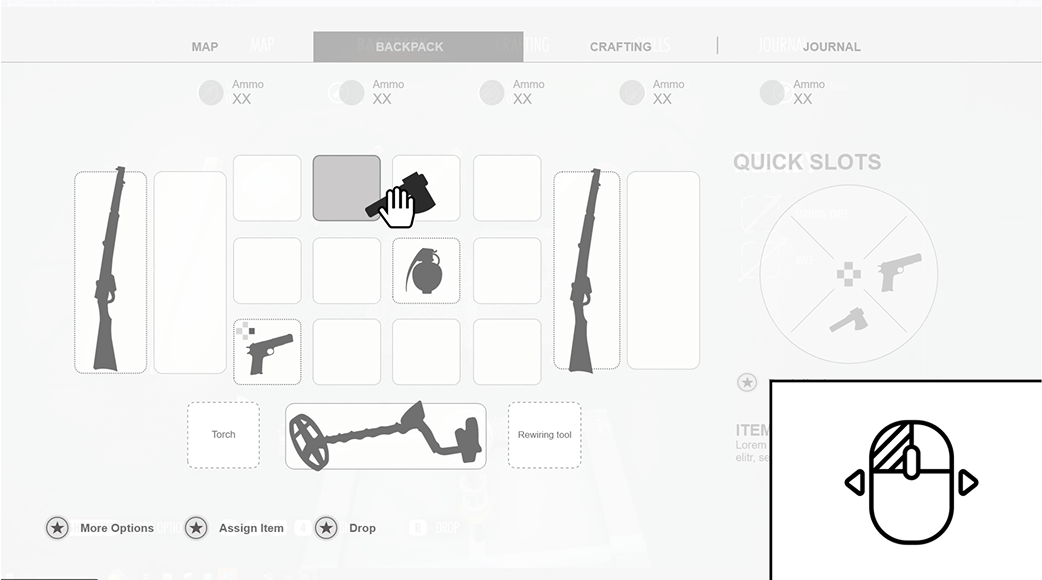
But really the issue lays with the inputs. A players primary action should use a primary input. The primary action on PC is Left Click. In the inventory left click was used to move an item rather than use it. But clearly seeing our players priorities I put our item options drop down action (Includes Use item) on left click and then if the player left clicked and dragged they could move the item. This meant that both actions could use our primary input, it was just a matter of interpreting how the player interacts with the input. Drag=Move, Click = Interact. With intuitive inputs there is less need to teach the player multiple new actions when it can be done with one.
Motion Design
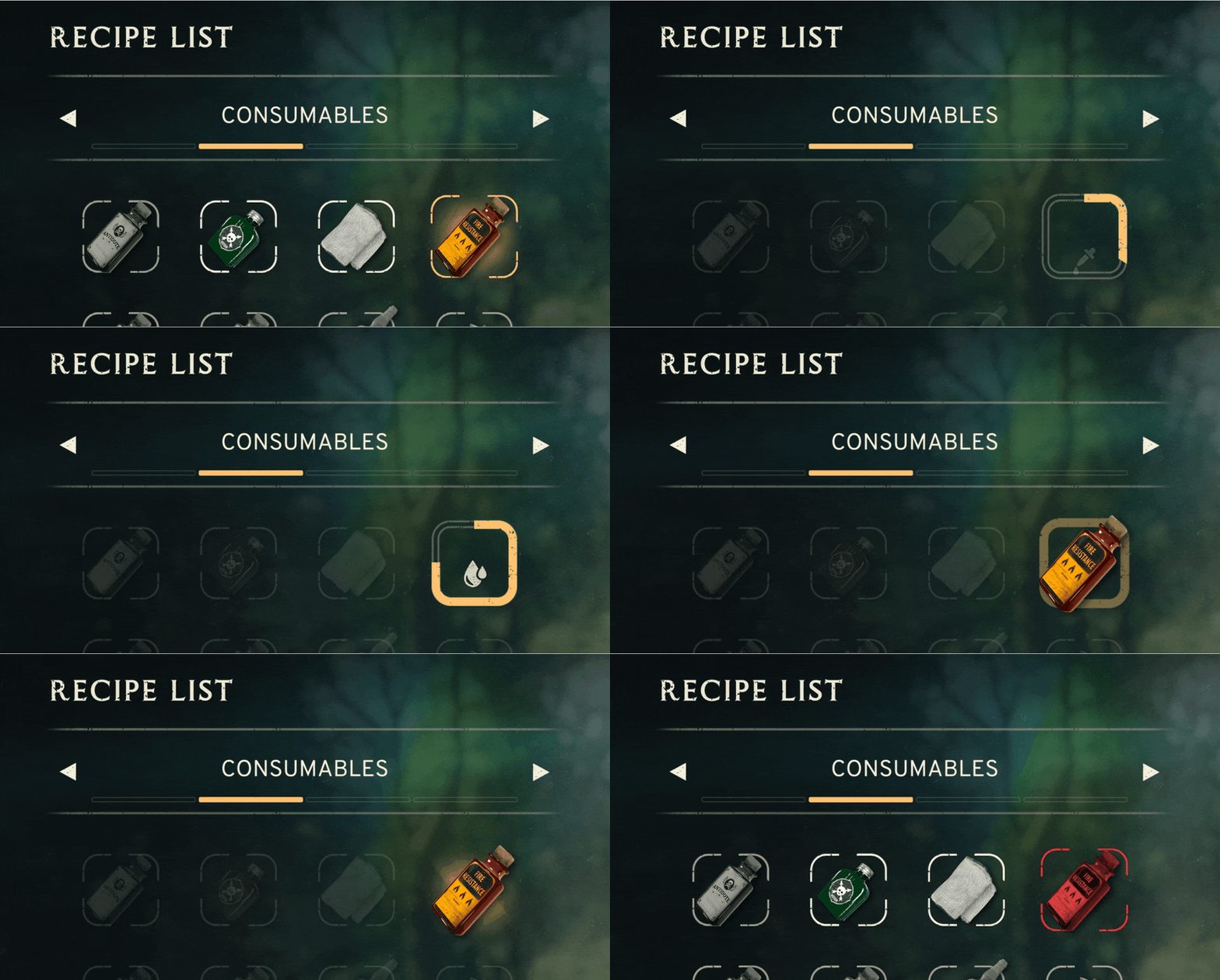
To add character and moments of joy for the player, I added small animations to actions such as dragging/dropping items and item highlight information. I did this using our in engine animation system which is similar to after effects but integrates with are frontend layout systems.

Atomfall Crafting System
Showcasing : UX - UI - Implementation - Motion Design
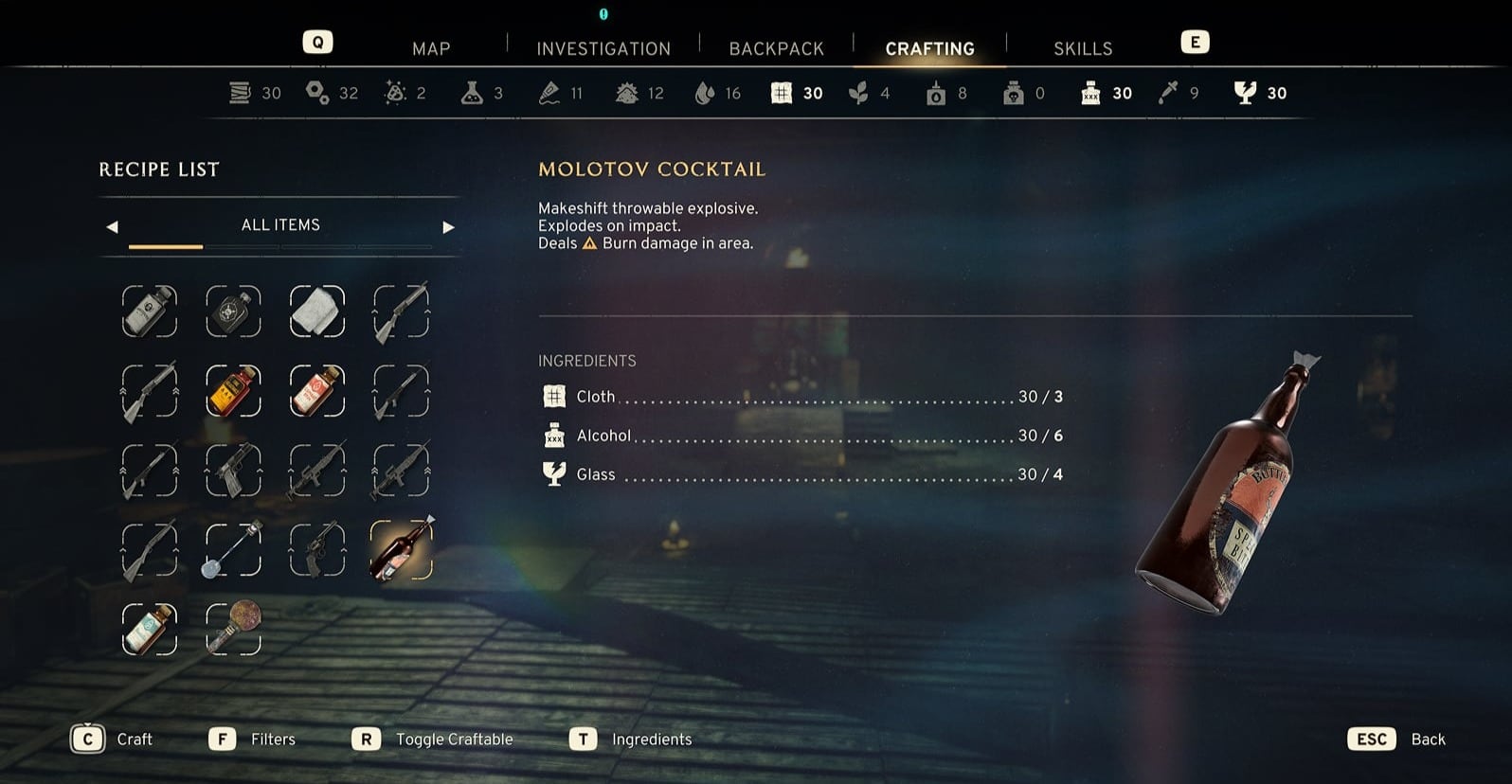
UX and UI Design
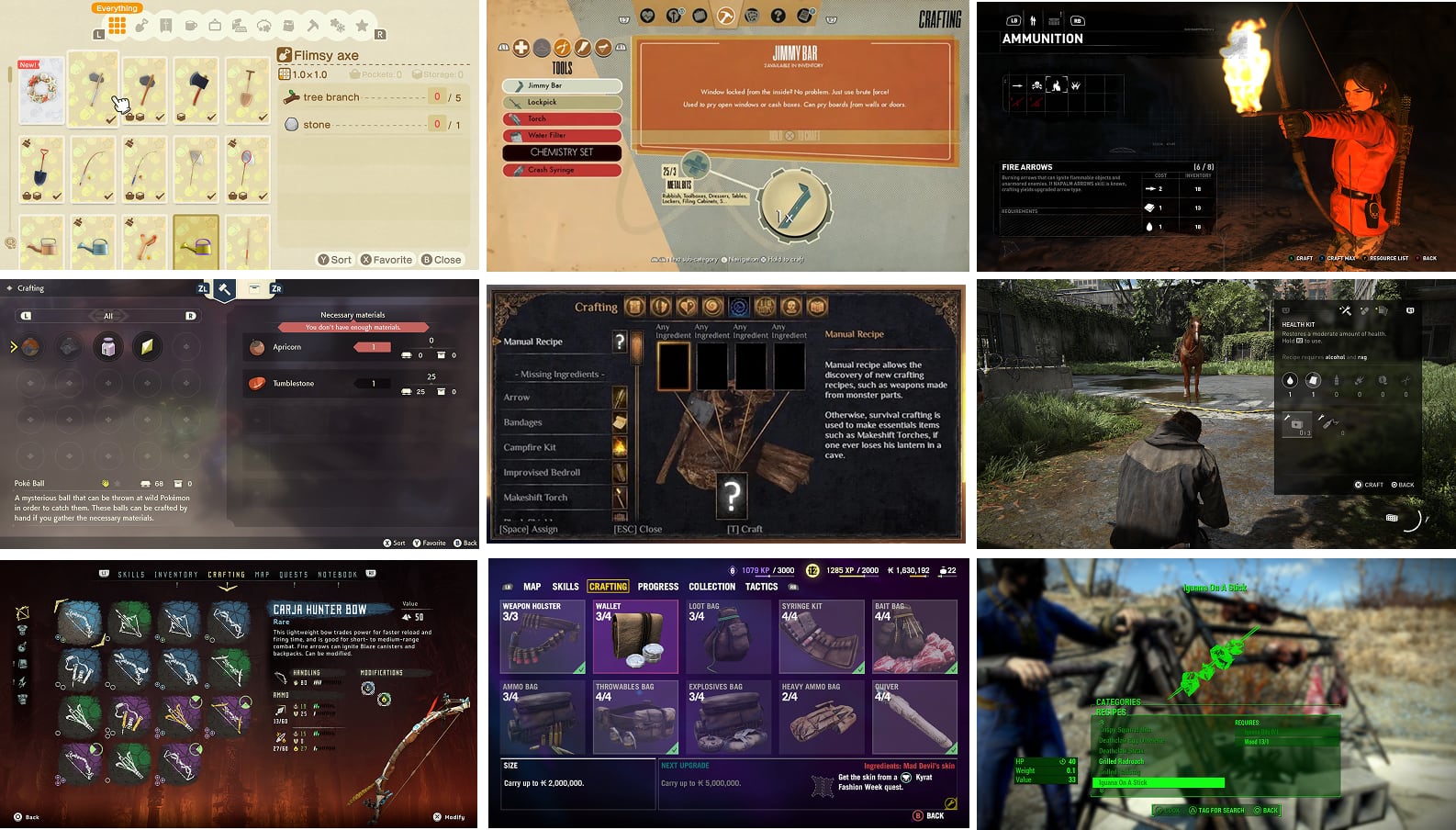
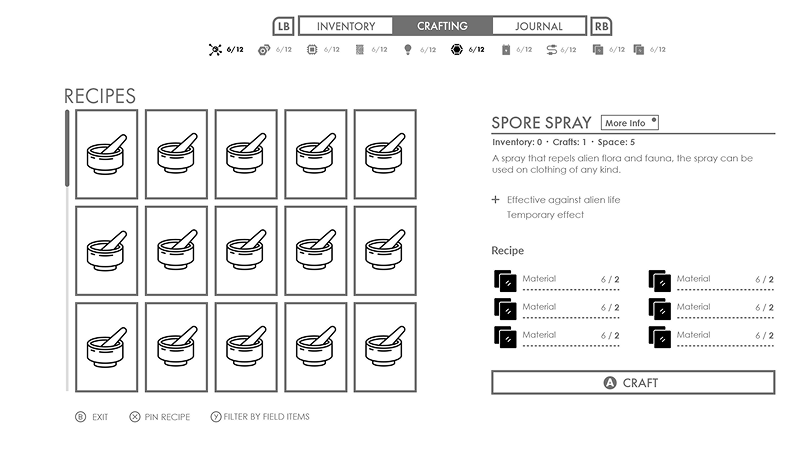
First I collaborate with the design team to work out the core goals of the feature and how much content we are expecting to populate within it. Then I do player need finding, personas and data priority. With these in mind I mock up wireframes that best fit designs goals for the system and the players needs. In conjunction with this I do market research to see how other games handle similar system, this helps manage player expectations by keeping up with current designs.
I created a variety of different versions that includes the designs requirements then I cut back once more ideas were finalised. For the final design we went for a full screen crafting system as this would be the most scalable option for both text scaling and content.

Implementation
After getting approval for the final wireframe and UI art to do an art pass, I implement the system into the game using visual scripting. I create Headers, layouts, list boxes , image buttons with animated interactable states, created a focus system and mapped input bindings for controller and pc
Motion Design & Implementation
Similar to concepting the feature I first research crafting animation in current games to get a good idea of what players expect, how much power this animation should have and how long should it be. Then I build the animation in engine with the engines built in animation system.
Accessibility
Atomfall is Rebellions most accessible game to date with 22 accessibility tags achieved on both the Xbox and Playstation stores. Atomfall is also one of the few games on Xbox that have achieve the text scaling tag, this tag requires text to scale 200% of the minium text size allowed by Xbox, this is a range of 52px to 104px. From a UI implementation and UI design point this was a big challenge but it was achieve through an number of tricks I added. Please see the below GAconf video for more detail.
- Rebellion
Atomfall - Accessibility Trailer
- IGDA Game Accessibility SIG
Taking a Cricket Bat to Accessibility Barriers in Atomfall