
Accessibility made accessible

Overview
A personal project dedicated to helping developers design with accessibility in mind.
With 20% of players reporting having some form of impairment and the demand for accessibility standards growing it is now more important than ever to make accessibility an integrated part of the development process.
The concept of “Brella” the project, aims to make gaming better for these players and accessibility less daunting for developers.
What I did
As a persoanl project I worked in many different areas from research to graphic design to UX development.
- Researched and studies video game accessibility
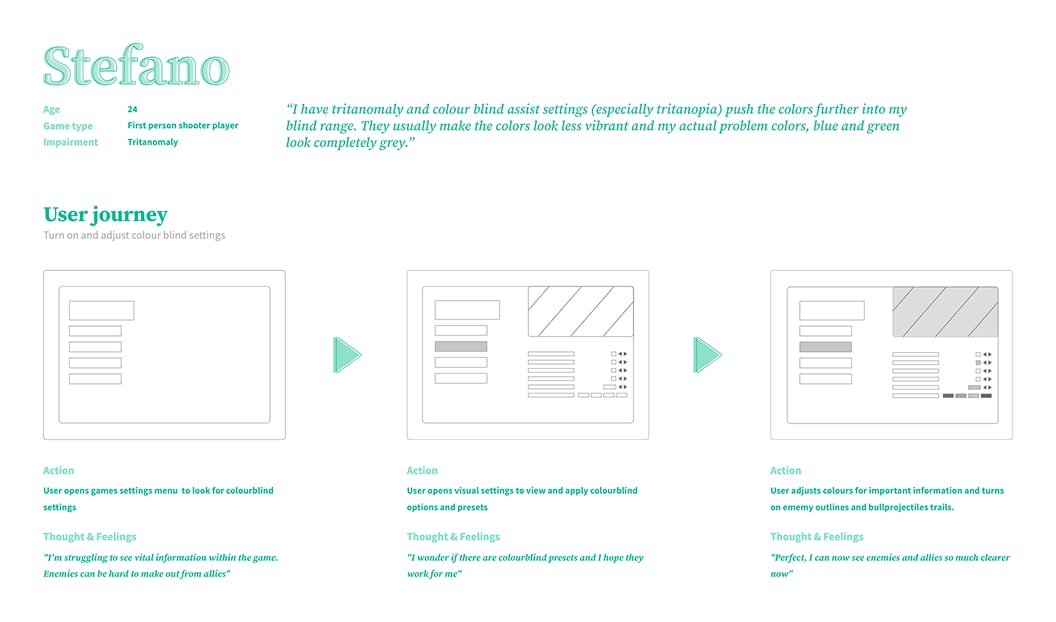
- Create user personas to understand problems and needs
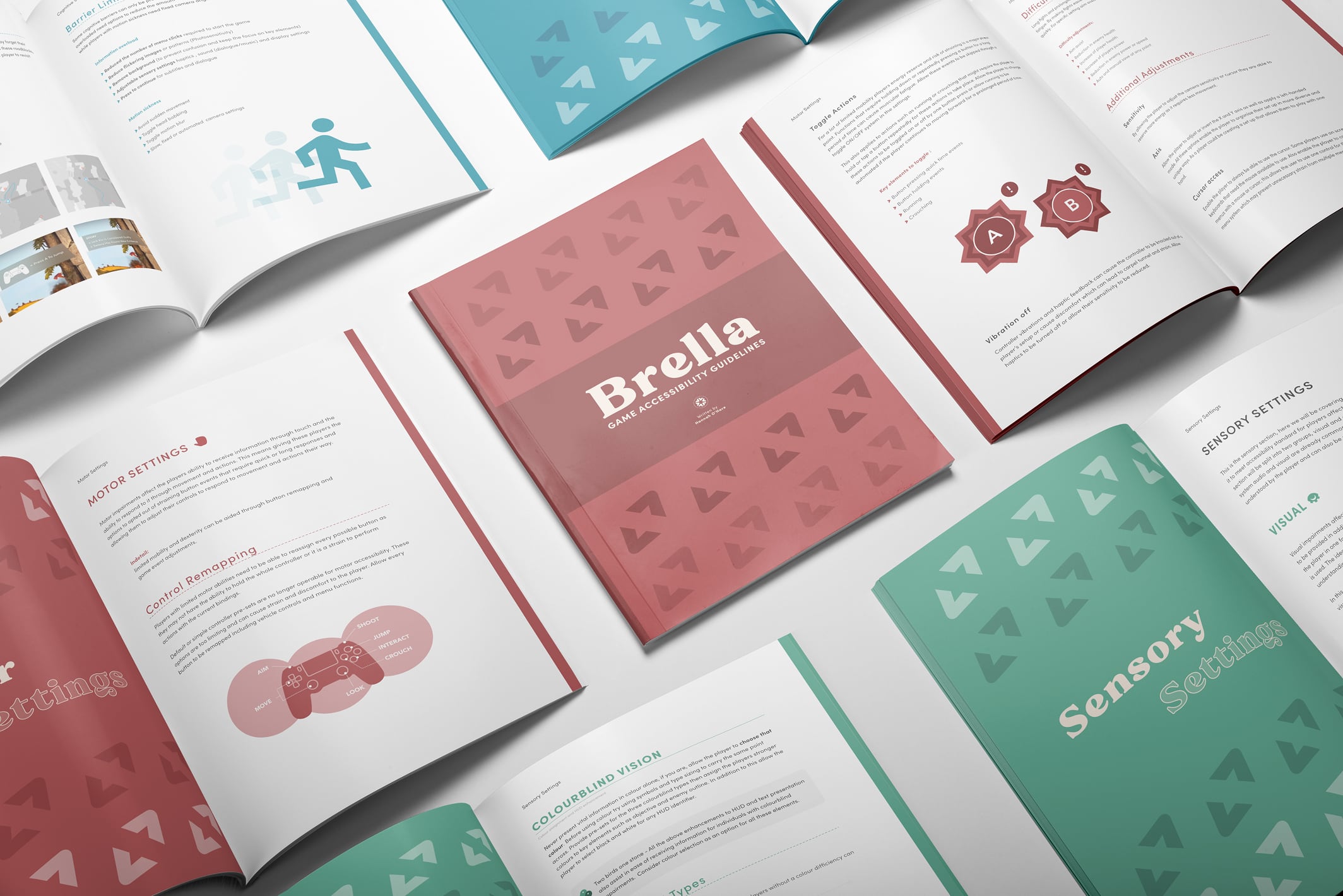
- Created a book/e-pub on game accessibility development
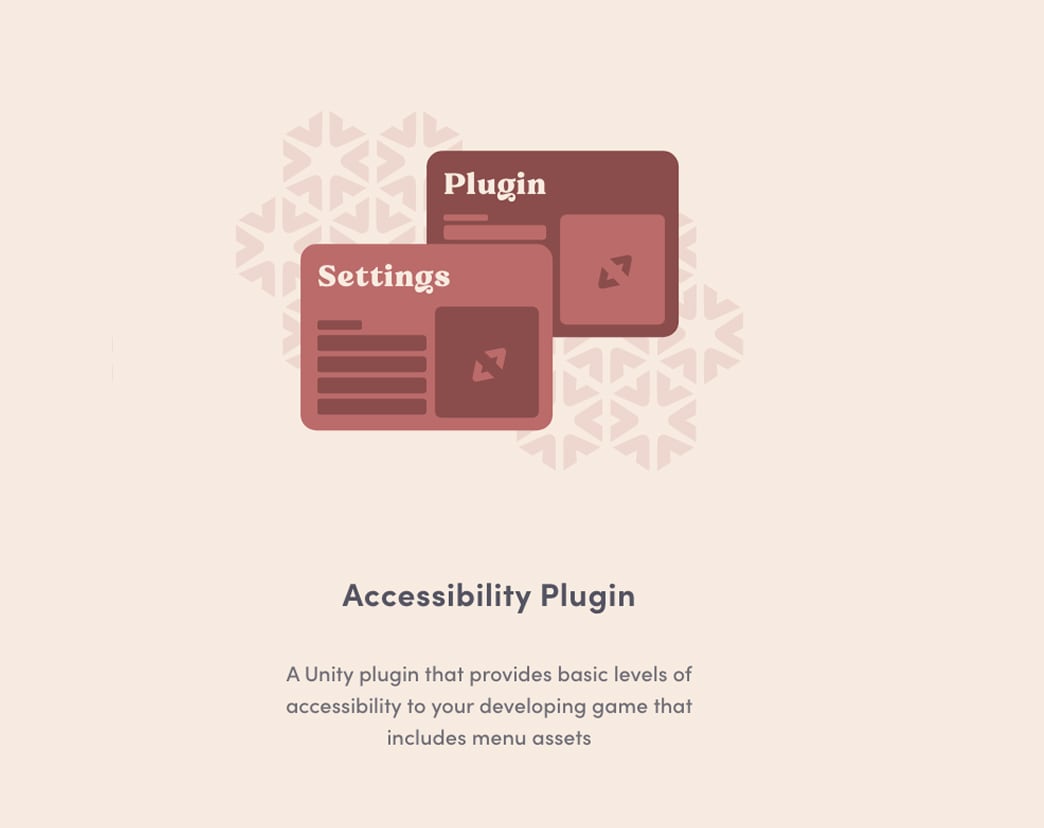
- Created a plug-in prototype to showcase the concept of an accessibility options menu
User Personas
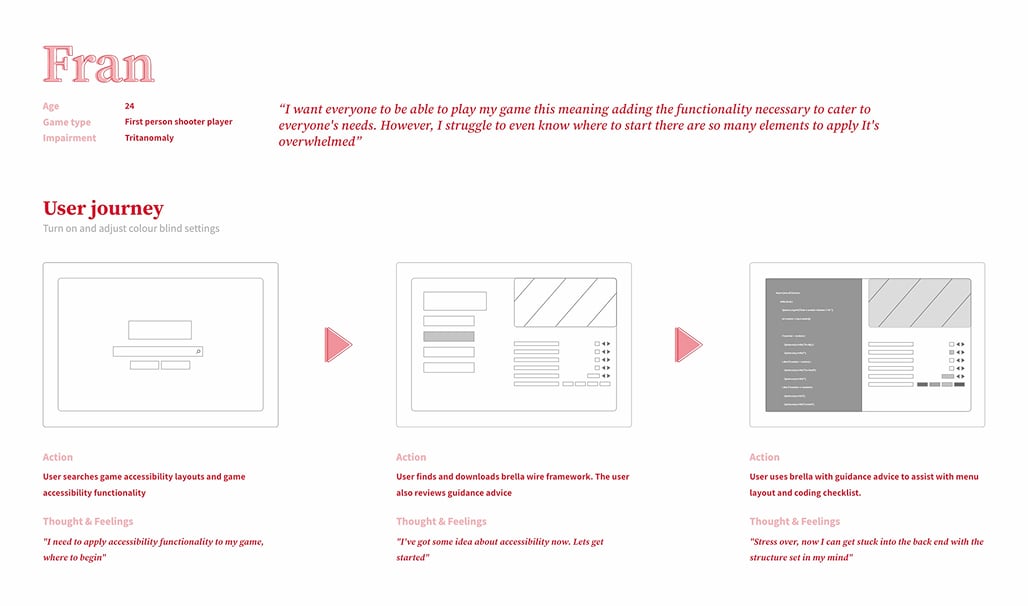
Both developer and player were looked at in my user journeys. The Player for the menu and the developer for both the menu and the guide.
Accessibility Market Research
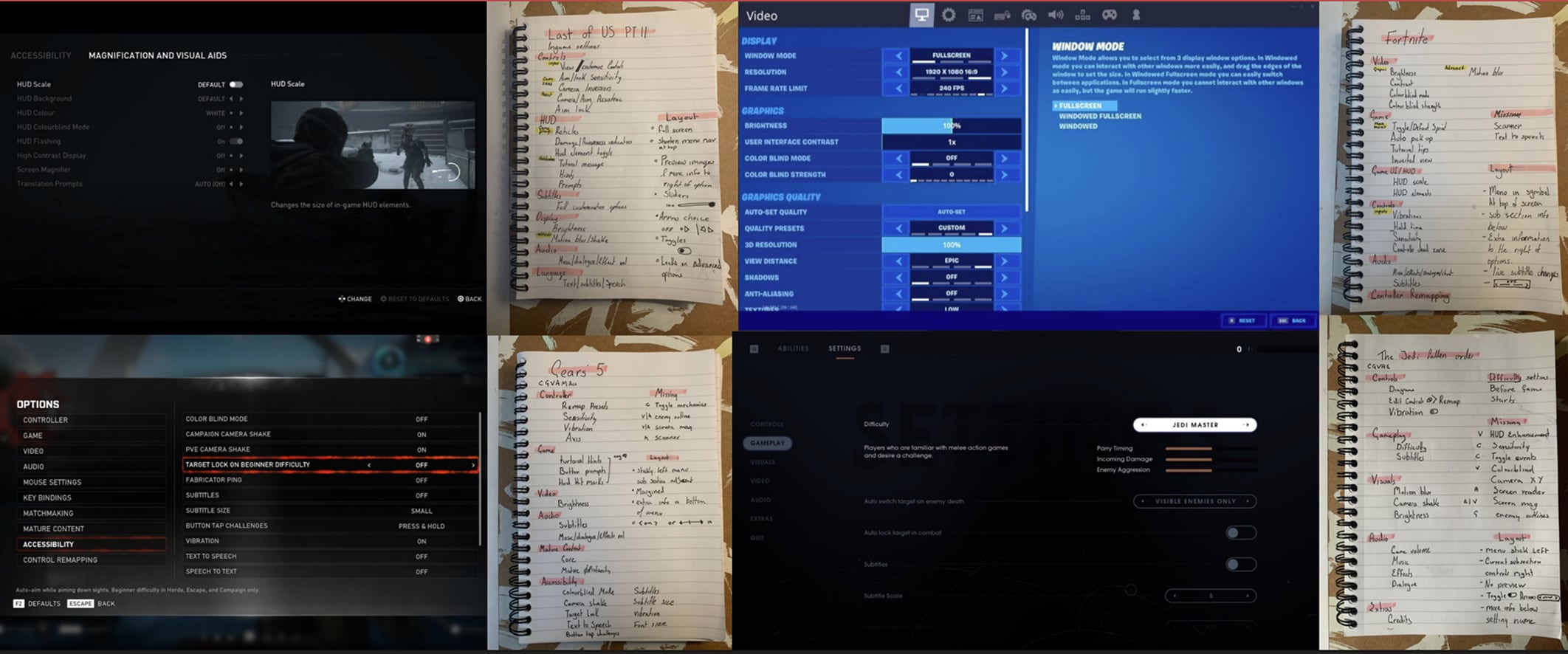
I research games that currently lead the charge on accessibility advancements such as the Last of Us, Fortnite and Jedi Fallen Order. I also looked at web resources 'like Can I Play That?' and 'Game Accessibility Guidelines.'
Wireframing Process
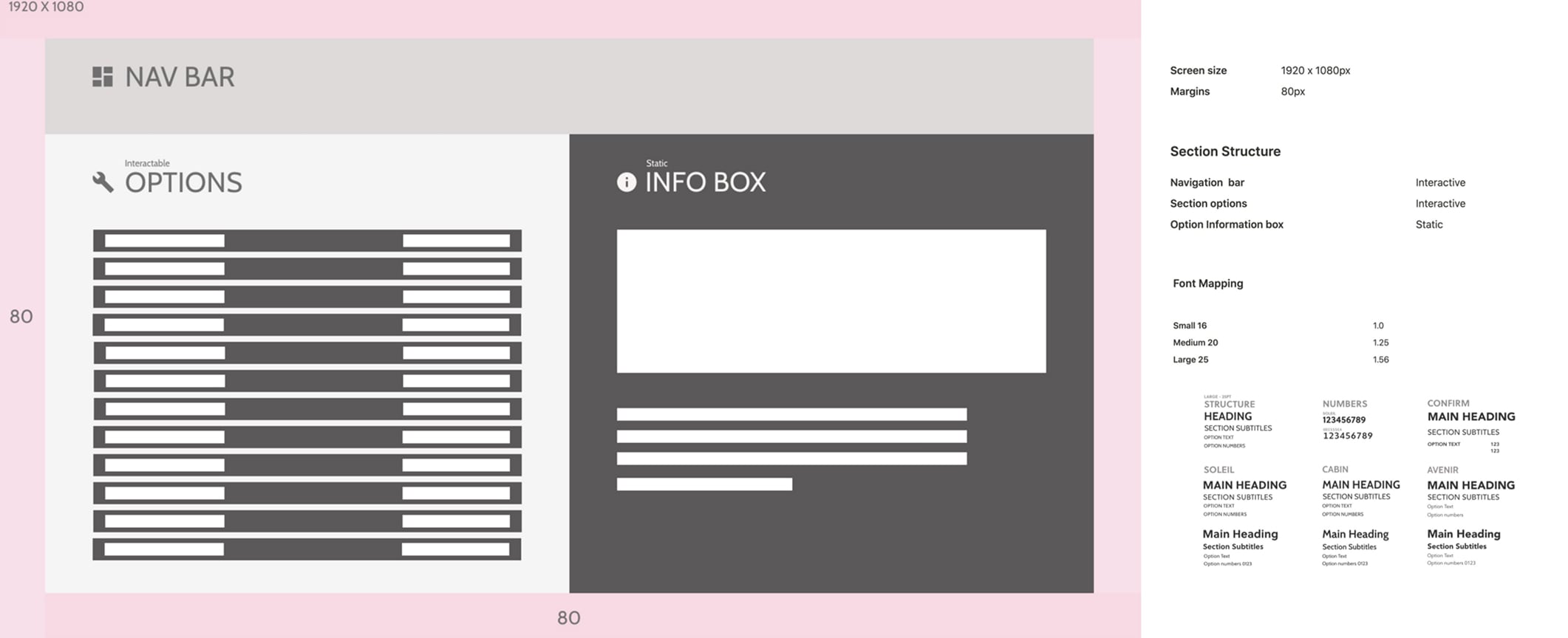
To begin my option screen wireframing I create a block out screen on XD that helps me work out screen sizeing, content break downs and font styling.
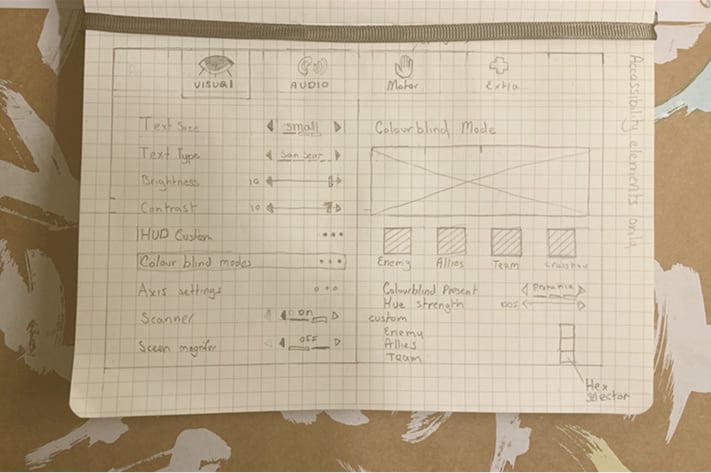
I jump to paper to get a general idea of what content I want to add, what options do I want to cover in each catagory tab and how do I want to explained them.
I then finalise my design in adobe XD, were I then begin to prototype the full options system.
Accessibility Options Menu Plugin Prototype
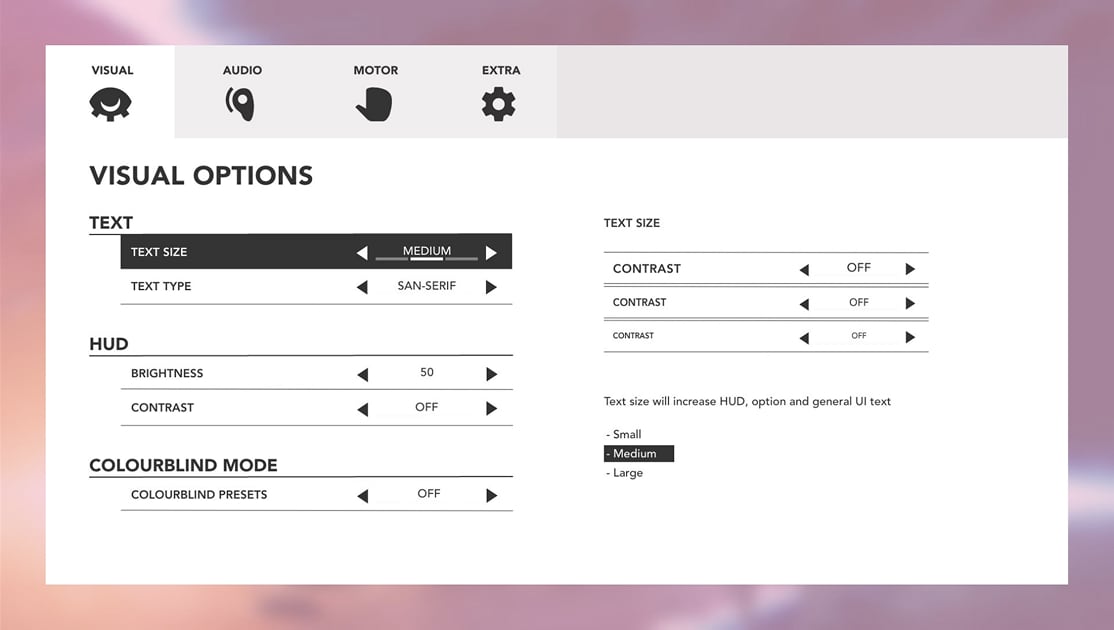
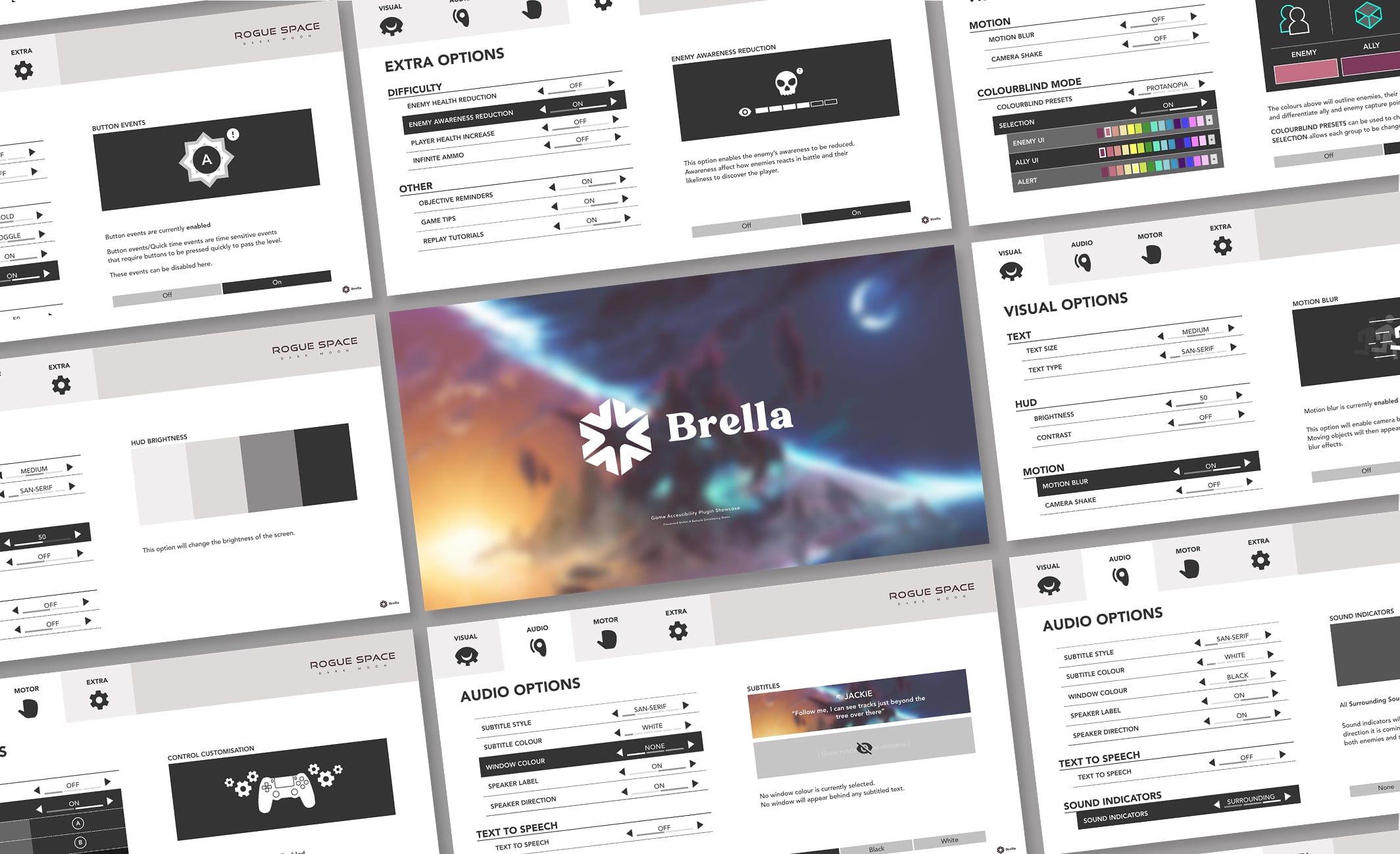
With an inclusive menu framework indie developers have a starting point to begin applying accessibility into their games.
This clickable prototype is an options menu based on all accessibility barriers. Each option showcases how a barrier can be avoid by offering players adjustments for how information is presented, for example rather than using colour-blind filters, give the player the choice to choose things like enemy outline colours.
The wireframes also showcase how these options can be presented to the player, for example images in tool tips should update to reflect the changes in the option.
The Accessibility Guide
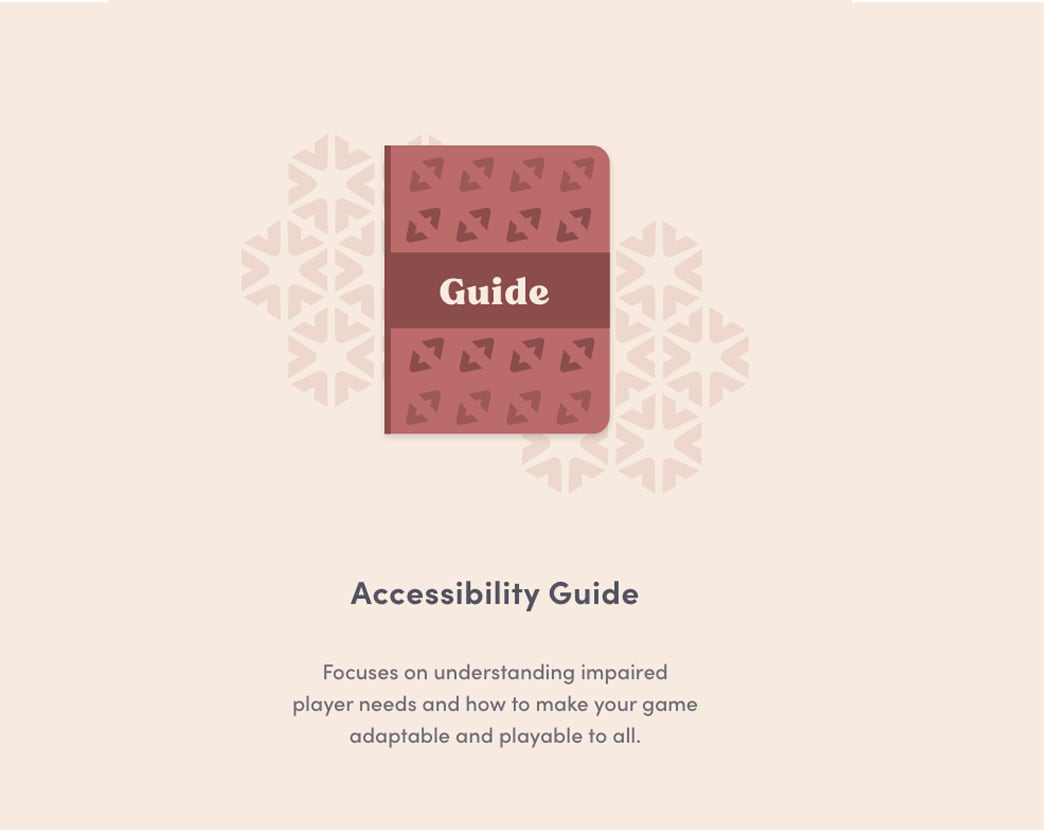
All the research I gather on accessibility is compiled in this book and reworked to be informative during the game development process. The book keeps concepts simple and brief making it perfect as a quick help guide. Things like subtitle recommend length, colour-blind types and the alternatives to button holds are all within this guide.
The idea is to take the heavy lifting away from the developer, as creating all inclusive accessibly functionality can be an overwhelming task to start.

Brand Guidelines
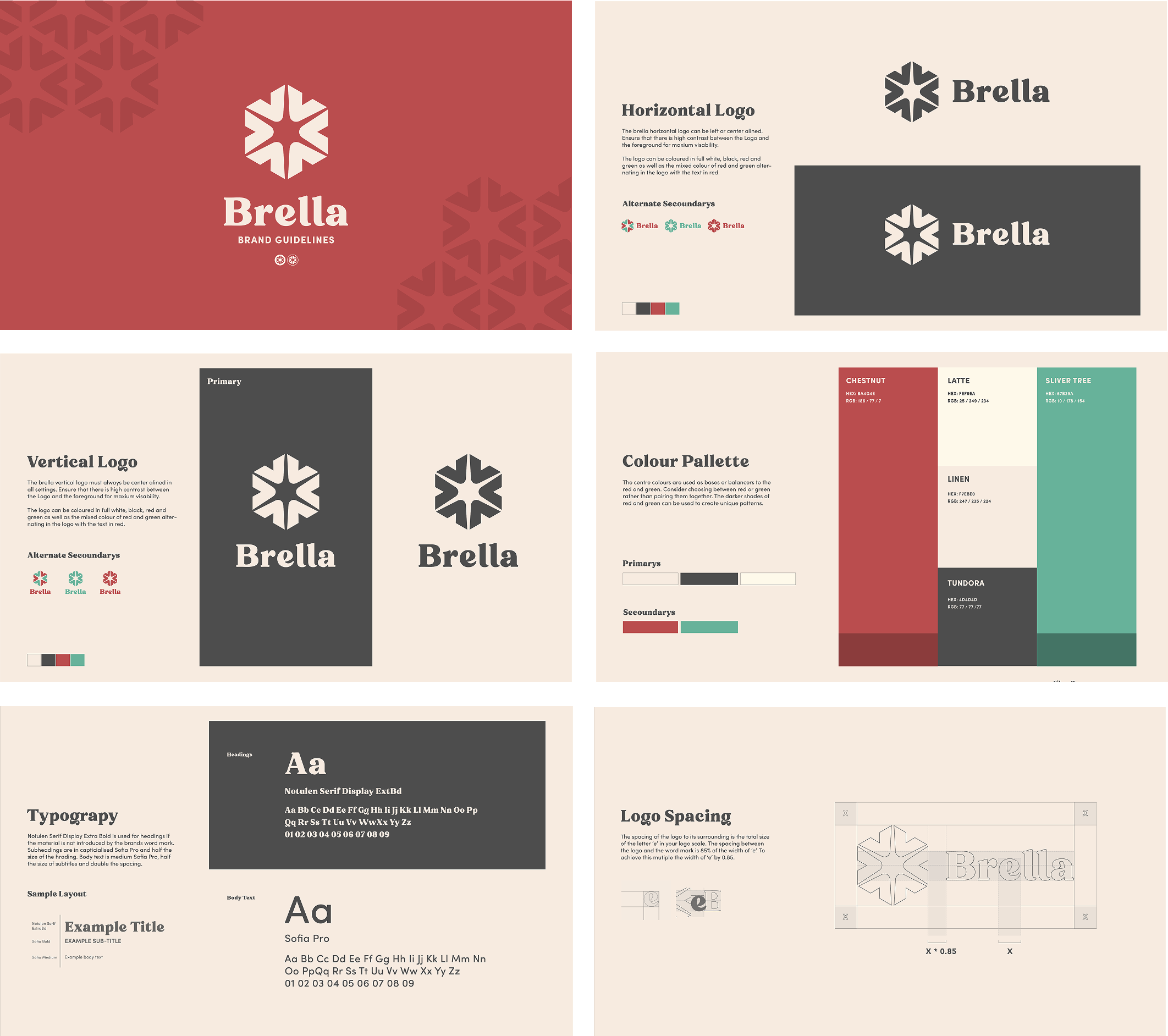
It was important for me to make brella as friendly and aproachable as possible. By creating a brand and guidelines for myself this goal was achieved, it also made the process of designing my e-pub smooth and cohesive.
Want to see the book?
Get in touch and I can run you through the final product and the detailed insight into my thoughts on it now after working in the industry.